
With social media being an essential aspect of our daily routine, allowing us to connect with loved ones, express our opinions, and stay up-to-date with the world, it’s crucial to keep our accounts secure. However, as we continue to share personal information online, the risk of spam and hacking is ever-present. To stay secure on social media, there are important steps you can take in 2023 and beyond. In this article, we’ll share some practical tips and tricks to help you protect your online presence and stay safe from potential threats.
1. The Importance of Strong and Unique Passwords
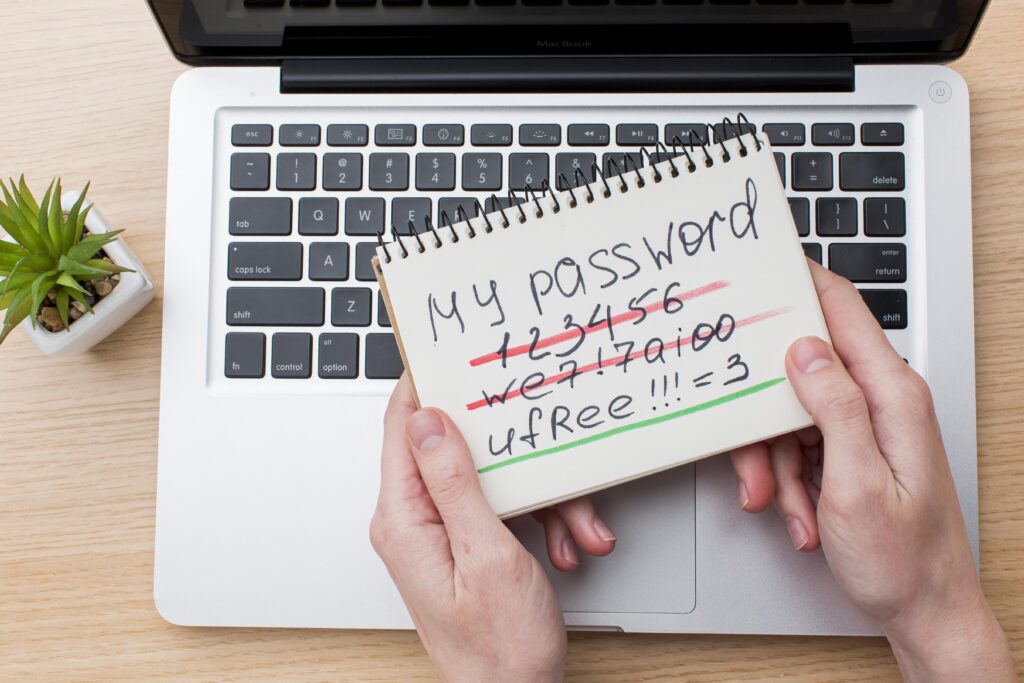
Use strong and unique passwords: It’s important to use a different password for each of your social media accounts. This way, if a hacker manages to figure out your password for one account, they won’t be able to access all of your other accounts. Additionally, you can use a password manager to help you generate and store strong and unique passwords for each of your accounts. This way you don’t have to remember them all and can make them more complex.
2. Adding an Extra Layer of Security with Two-Factor Authentication
Enable two-factor authentication: Two-factor authentication, also known as 2FA, adds an extra layer of security to your social media accounts by requiring a second form of verification, such as a code sent to your phone or an app, in addition to your password. This means that even if a hacker manages to guess your password, they won’t be able to access your account without also having access to your phone or email.
3. Beware of Suspicious Links: How to Spot and Avoid Phishing Scams
Be cautious of suspicious links: Phishing scams are a common tactic used by hackers to trick users into clicking on malicious links. These links can be disguised as legitimate links, such as a link to reset your password or a link to a friend’s profile. When clicked, they can steal personal information or infect your device with malware. Be wary of any suspicious links that you receive, even if they appear to be from a trusted source. You can hover over the link to see the URL, if it’s not the expected one, don’t click it.
4. Watch Out for Suspicious Activity: What to Do If Your Account is Compromised
Keep an eye out for suspicious activity: Watch out for any suspicious activity on your social media accounts, such as messages or posts that you didn’t create. If you notice anything unusual, change your password immediately and contact the social media platform’s customer support team. You can also set alerts and notifications for suspicious activity on your account, so you’ll be informed if anything fishy happens.

5. Be Selective with Connected Apps: Managing Third-Party Access to Your Accounts
Choose the apps you connect to your social media accounts carefully: Many third-party apps ask for access to your social media profiles to offer features like scheduling posts or tracking analytics, but these apps can also be a security risk. Be selective about which apps you allow to access your social media accounts and make sure to revoke access for any apps you’re no longer using. Always read the app’s privacy policy and terms of service before connecting them to your social media accounts.
6. Keeping Your Software Up-to-Date: A Vital Step in Online Security
Keep your software up-to-date: Keeping your device and software up-to-date is one of the most important ways to protect your social media accounts from hackers. Updates often include security patches that fix known vulnerabilities, so it’s important to install them as soon as they’re available. This applies not only to your operating system and browser but also to the apps you have installed, as well as any anti-virus or firewall software you use.

By following these tips, you can keep your social media accounts safe from hackers and avoid getting spam in 2023. Remember, being proactive and vigilant about your online security is the best way to protect yourself and your personal information. Keeping your social media accounts secure will help you to use social media with confidence and peace of mind.
Written by: Tshireletso Moloi (I am Multeemedia) // Images: from various sources


 Tshireletso Moloi